

Sensors
Automate VPD calculation by connecting sensors
Both Bluetooth and API integrations are available exclusively in our iOS and Android apps.
Bluetooth integrations
AC Infinity
 AC Infinity
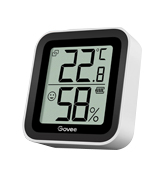
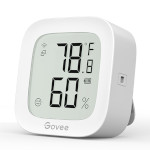
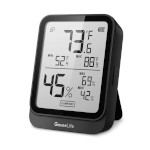
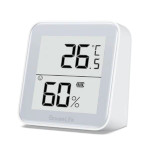
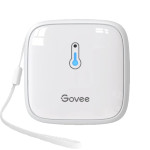
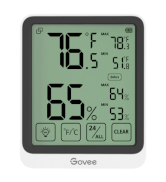
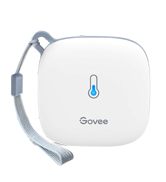
 Govee
Govee
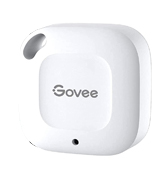
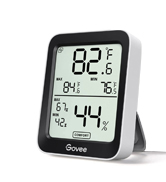
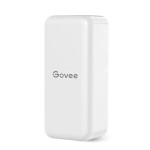
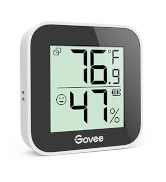
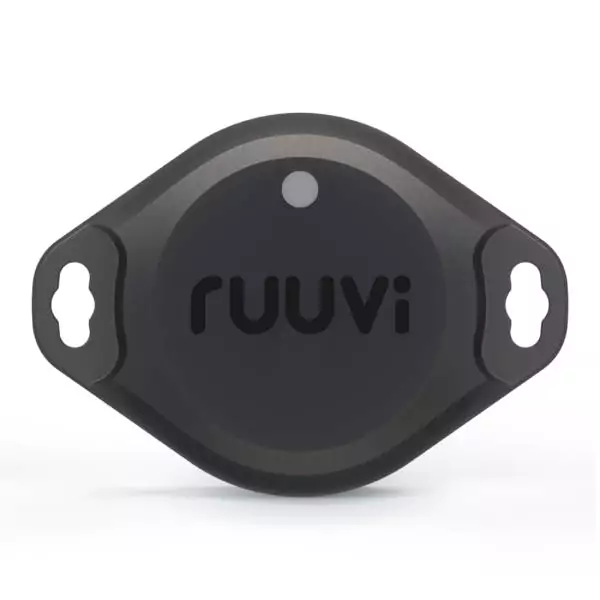
Ruuvi
 Ruuvi
Ruuvi
SwitchBot
 SwitchBot
 Inkbird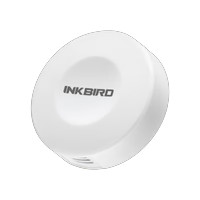
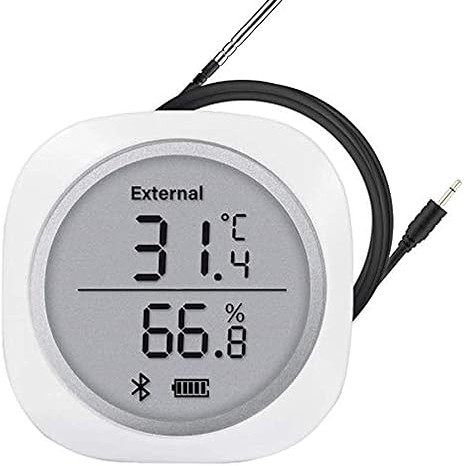
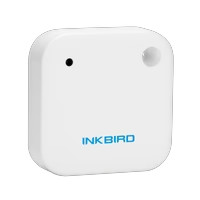
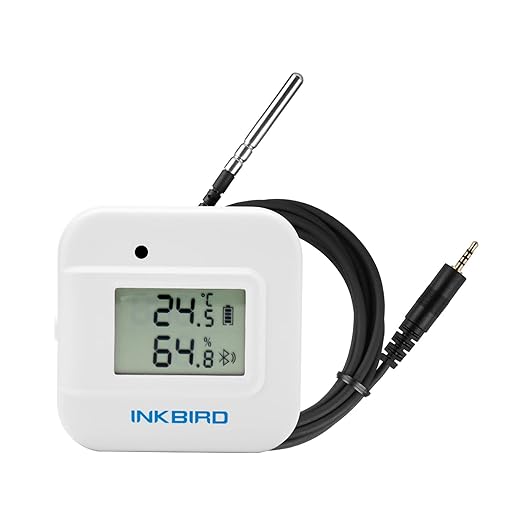
 ThermoPro
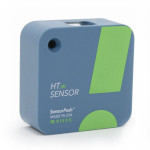
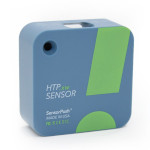
 SensorPush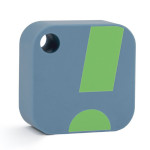
Shelly
 Shelly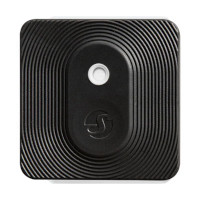
VIVOSUN
 VIVOSUN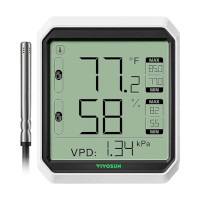
 Xiaomi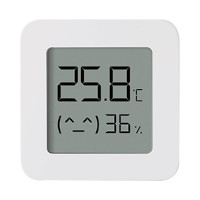
API integrations
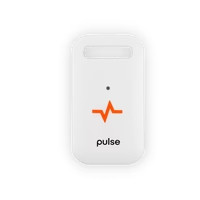
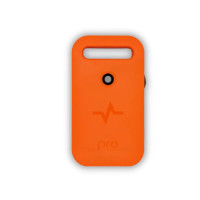
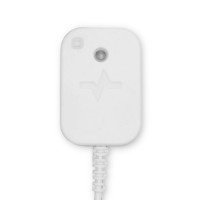
Pulse
 Pulse
PulseAll requests made against the Pulse API must be validated with an API Key. Generate a new API Key in your Pulse account and copy/paste it when you add the sensors in the VPD Chart app.
If you consider buying one of these sensors, use the code VPDCHARTDOTCOM at checkout and get 5% discount.
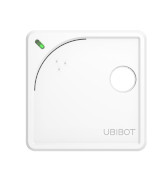
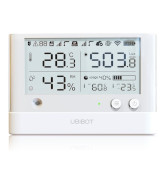
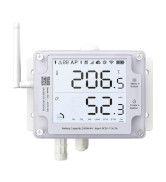
UbiBot
 UbiBot
You need to have an account at https://console.ubibot.com/. Create a "Read API Key" for a sensor, copy it into the VPD Chart app together with the "Channel ID" when you add the sensor, and you're good to go.
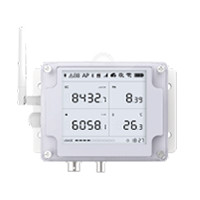
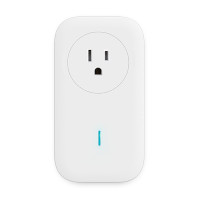
Also supported: Ecowitt (Application Key and API Key, see the Ecowitt API Docs) and Tuya / SmartLife temperature and humidity sensors (link your Tuya account to the app, see the Tuya API Docs).
Missing a sensor?
Request sensor integration
We are more than happy to integrate new devices with our mobile apps.
Tell us what you use on the Request integration page, or drop us a line at hello[at]vpdchart[dot]com.
Smart home DIY
Home Assistant
If you are a smart home DIY person and have a bundle of sensors from different platforms, this VPD chart card for Home Assistant is for you.
Explore our GitHub repo and find information on installation: https://github.com/vpdchart/vpdchart-card